Migraine Mind
Migraine sufferers often struggle to track complex, fluctuating symptoms in ways clinicians can rely on. This AI‑powered migraine tracking product applies a strategic user experience that translates complexity into clarity, simplifying data capture, highlighting meaningful patterns over time, and transforming patient‑reported details into structured insights that support faster, more accurate diagnosis and treatment.
Personal Project
Skills: Social Listening, User Experience & AI Prototyping
Tools: Anything App Builder, Figma Make, Midjourney (illustrations)
Timeline: 3 weeks
Overview
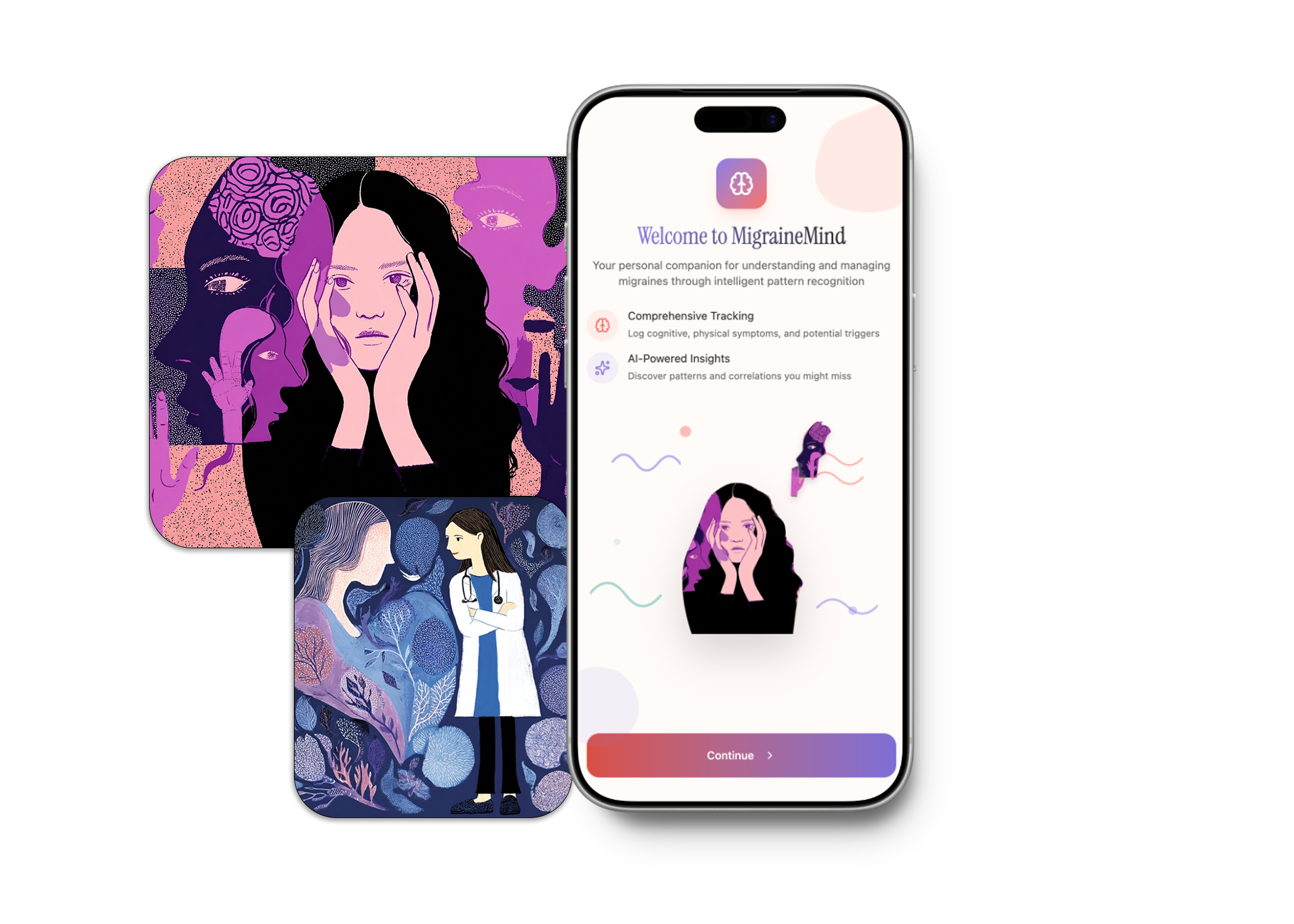
I used social listening to identify a real-world healthcare challenge by analyzing online patient discussions about migraines. These conversations revealed the difficulty patients face in effectively communicating and capturing the complexity of their condition.
To address this, I developed a prototype app designed to help migraine sufferers document their symptoms more accurately and share them with healthcare providers. Using Anything App Builder and Figma Make, I rapidly created and tested the solution with actual patients. This process allowed me to uncover usability issues early and iterate quickly to improve the experience.
Problem
Migraine sufferers can't effectively capture and communicate the full complexity of their condition, leading to inadequate medical care, self-doubt, and feeling dismissed.
Solution
AI-Powered Migraine symptom & trigger tracker:
Help migraine sufferers comprehensively track their complete symptom experience,
Identify meaningful patterns
Present this information in a way that gets them taken seriously by medical professionals
Key Features
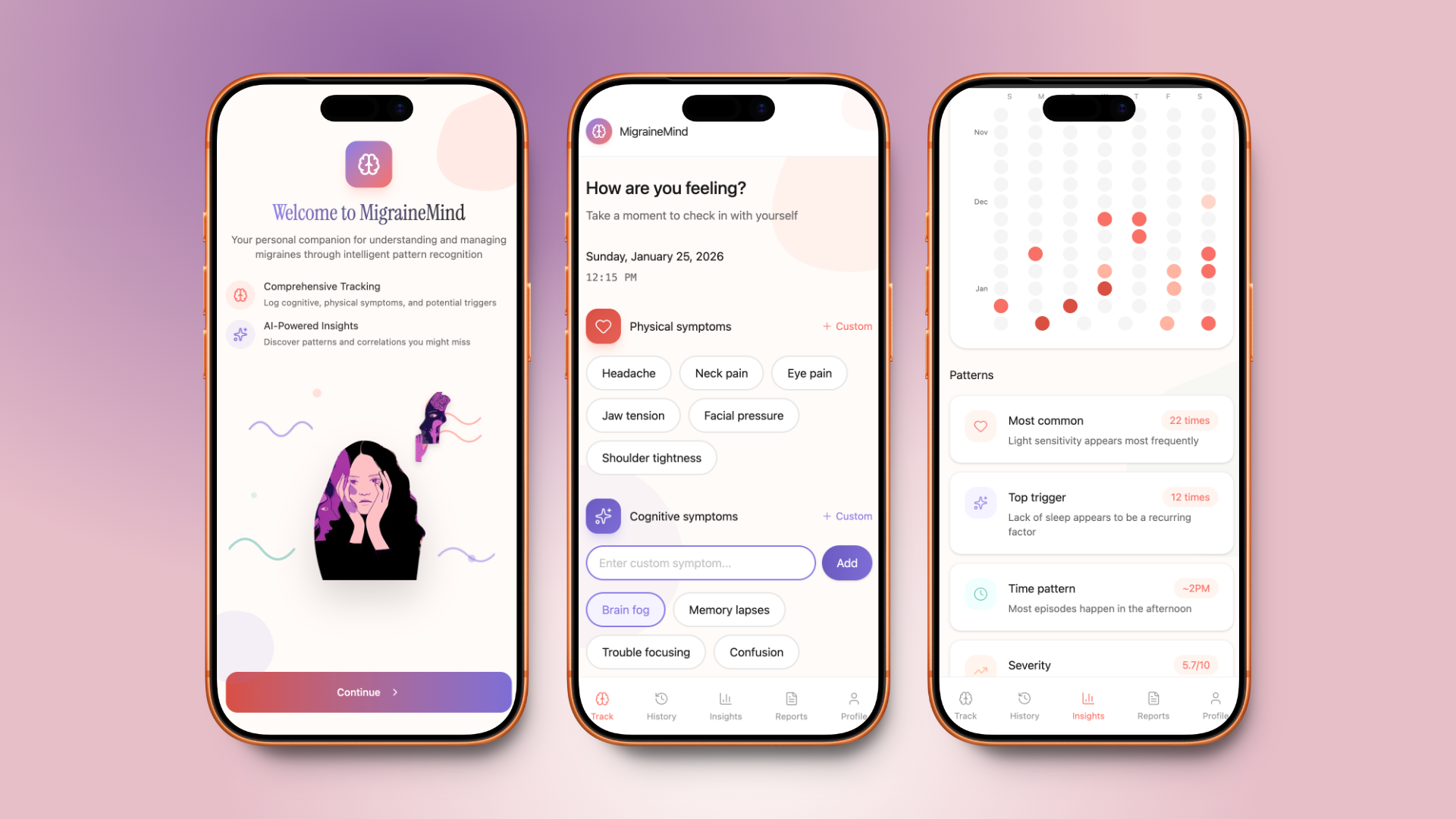
Customizable tags to Log triggers symptoms and Pain Levels: to capture and identify unique patterns
Integration with Health Data: Sync with other health metrics such as nutrition and fertility tracking for a holistic view.
Editable Log History: Access and update past entries for accurate and comprehensive symptom tracking.
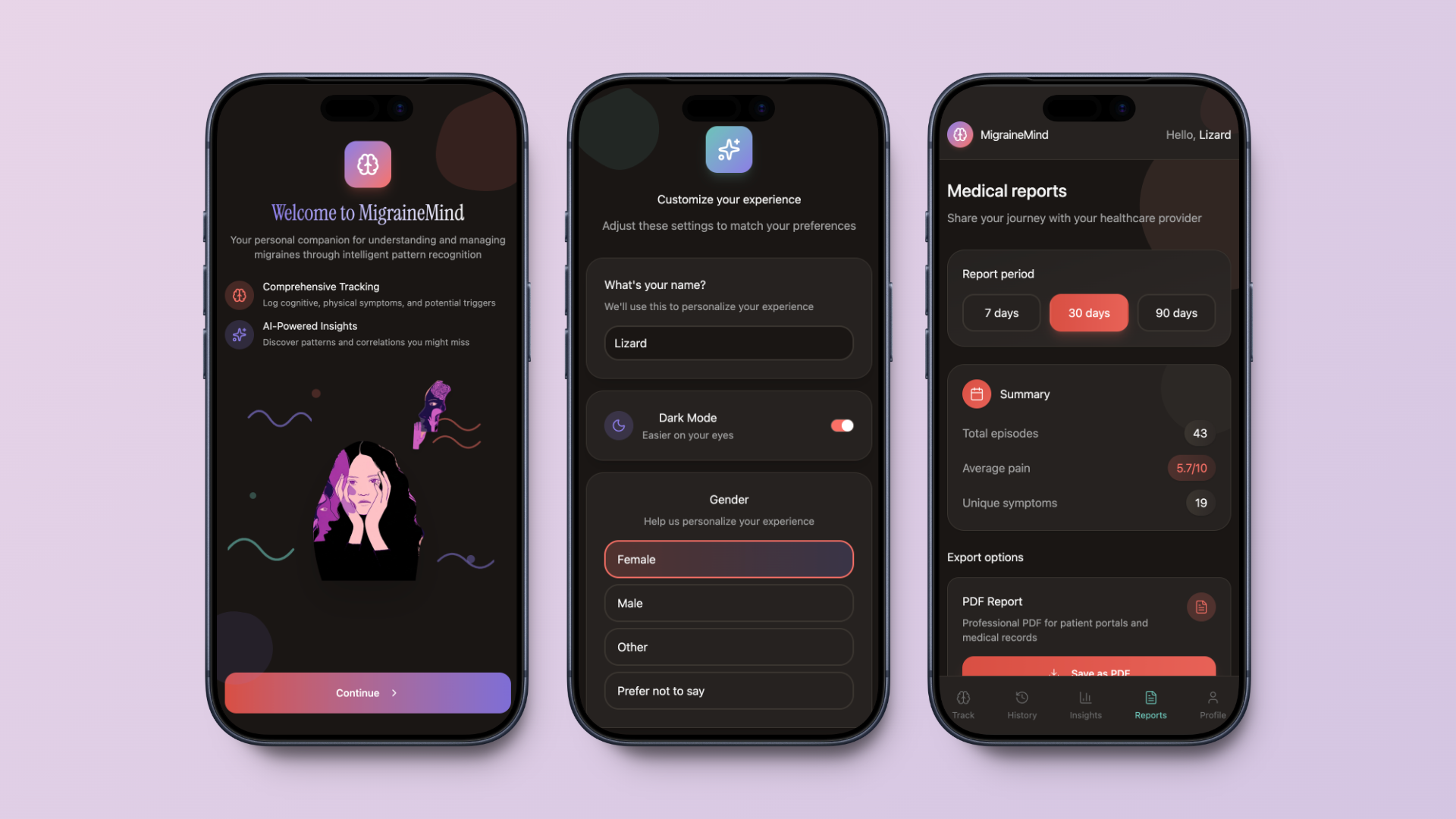
Dark Mode: A gentler interface option to reduce eye strain during migraine episodes
Process
Research & Social Listening
Social listening on migraine subreddit revealed a pattern of patients saying things like:
“At what point am I the problem?”
“How do you know the difference between overlapping symptoms when each specialist gives a new diagnosis but no treatment?”
“Am I missing some underlying problem?"
“Folks with treatment-resistant migraine - do you ever stop thinking there's something you're missing?"
Prototyping & Technical Approach
Initial prototype built using create.xyz, then migrated to Figma Make for rapid iteration
Screenshots and summaries were used to quickly communicate app features and design
The approach enabled fast feedback cycles and efficient design updates

Design Decisions
Since this is an application for migraine sufferers, I wanted to make the look and feel soft and soothing, by leveraging abstract shapes and a muted color palette.
Both dark and light mode options were included to accommodate migraine sufferers’ sensitivity to light.
Usability Testings & Findings
Navigation and data management were confusing for users, making it hard to find or edit entries.
Lack of clear feedback left users unsure if their actions were successful.
Onboarding felt overwhelming when too many choices were presented at once.
Users appreciated features like dark mode, custom triggers, and report downloads.
Suggestions included improving confirmation messages, making log history more accessible, and expanding tracking options
Outcome
The iterative design and testing process surfaced critical usability issues and user preferences, directly informing feature prioritization and future development. The app’s thoughtful interface and customizable tracking features were especially valued by users, validating the design direction.
Reflections &
Next Steps
Using AI tools to develop prototypes has been both energizing and frustrating. While the potential is there, there are still a lot of prompting issues and rework.
Excited to keep exploring, iterating and learning more, focusing on these key areas:
Continue iterating on the Insights tab and explore more options for look and feel using Figma Make
Expand integration with health, nutrition and fertility tracking,
Add Clinician Portal
-
GenAI Knowledge Assistant
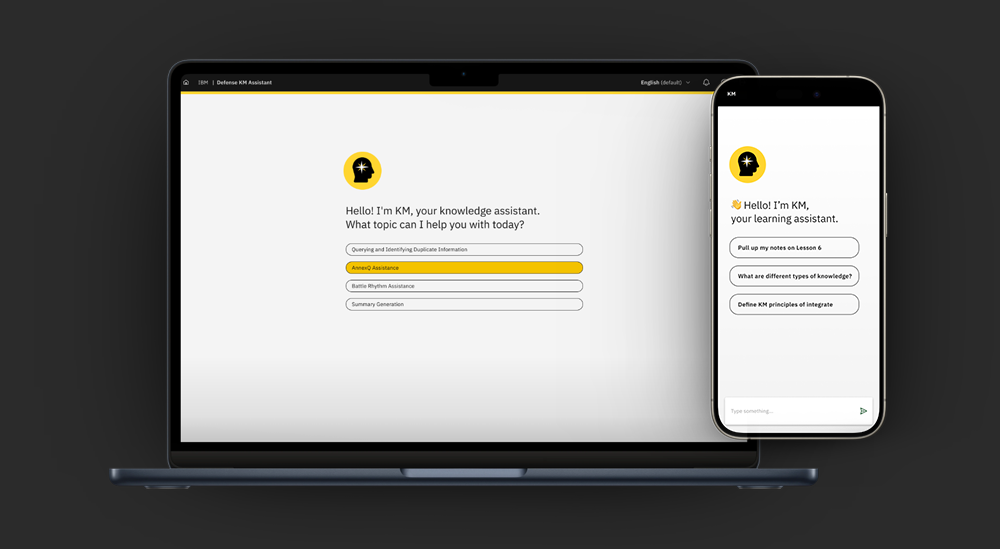
Personal knowledge management solution for defense knowledge management students.
The goal was to simplify how students access and navigate complex information.
VIEW CASE STUDY (password protected) → -
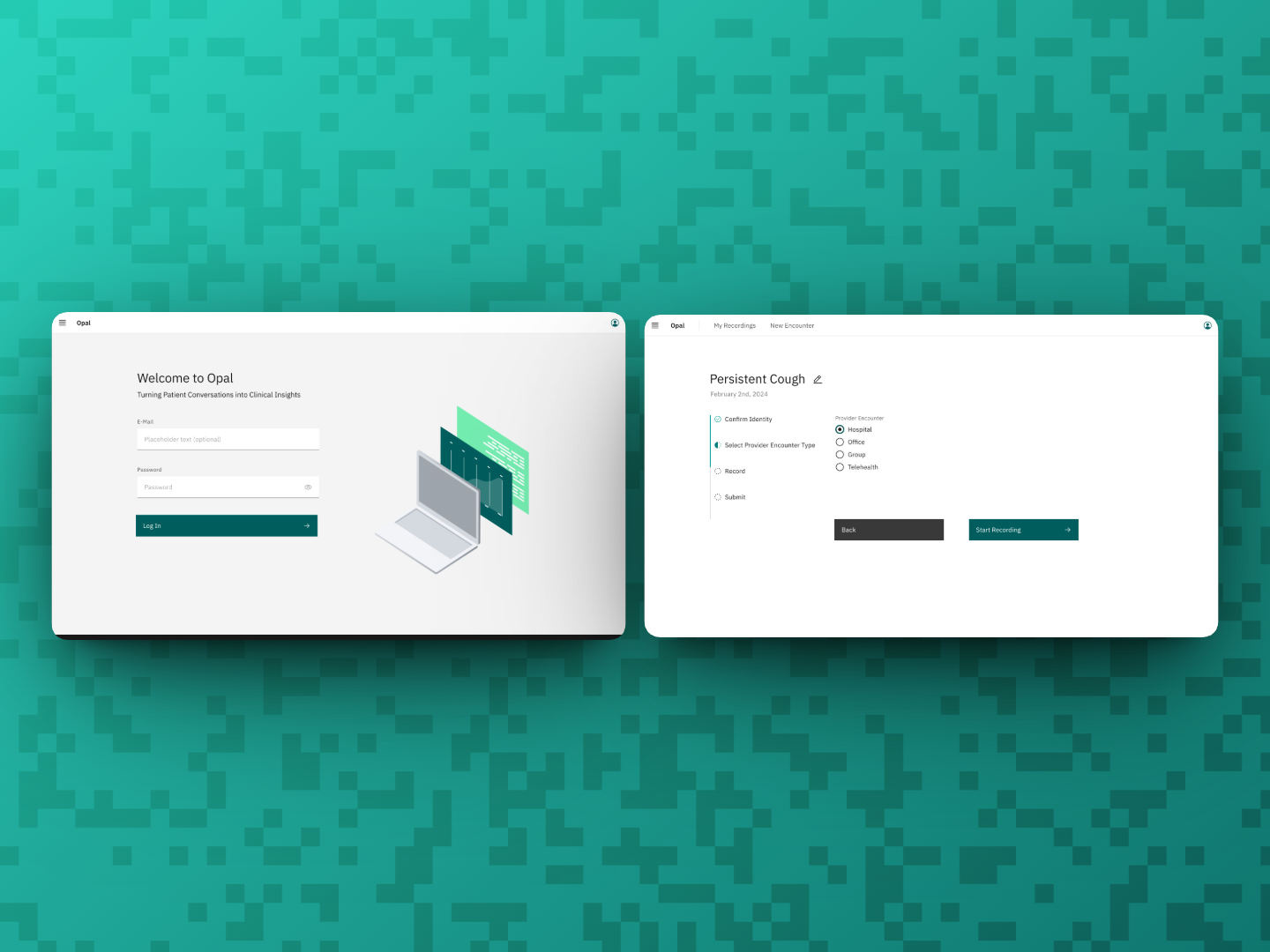
Opal
AI Medical Scribe Application
Designed to transcribe high-fidelity transcripts and extract key information from ambient recordings of patient encounters. -
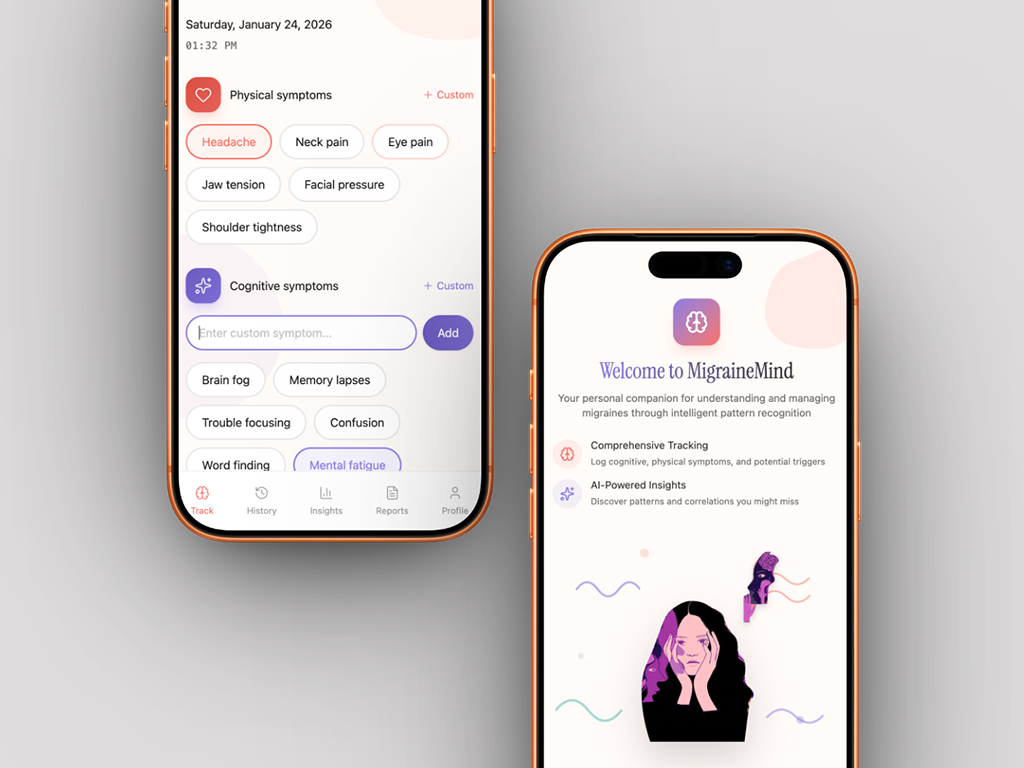
Migraine Mind
AI-Powered Migraine Tracking app
Personal project using social listening and AI prototyping to help migraine sufferers who are struggling to track and communicate complex symptoms to healthcare providers.
VIEW CASE STUDY → -
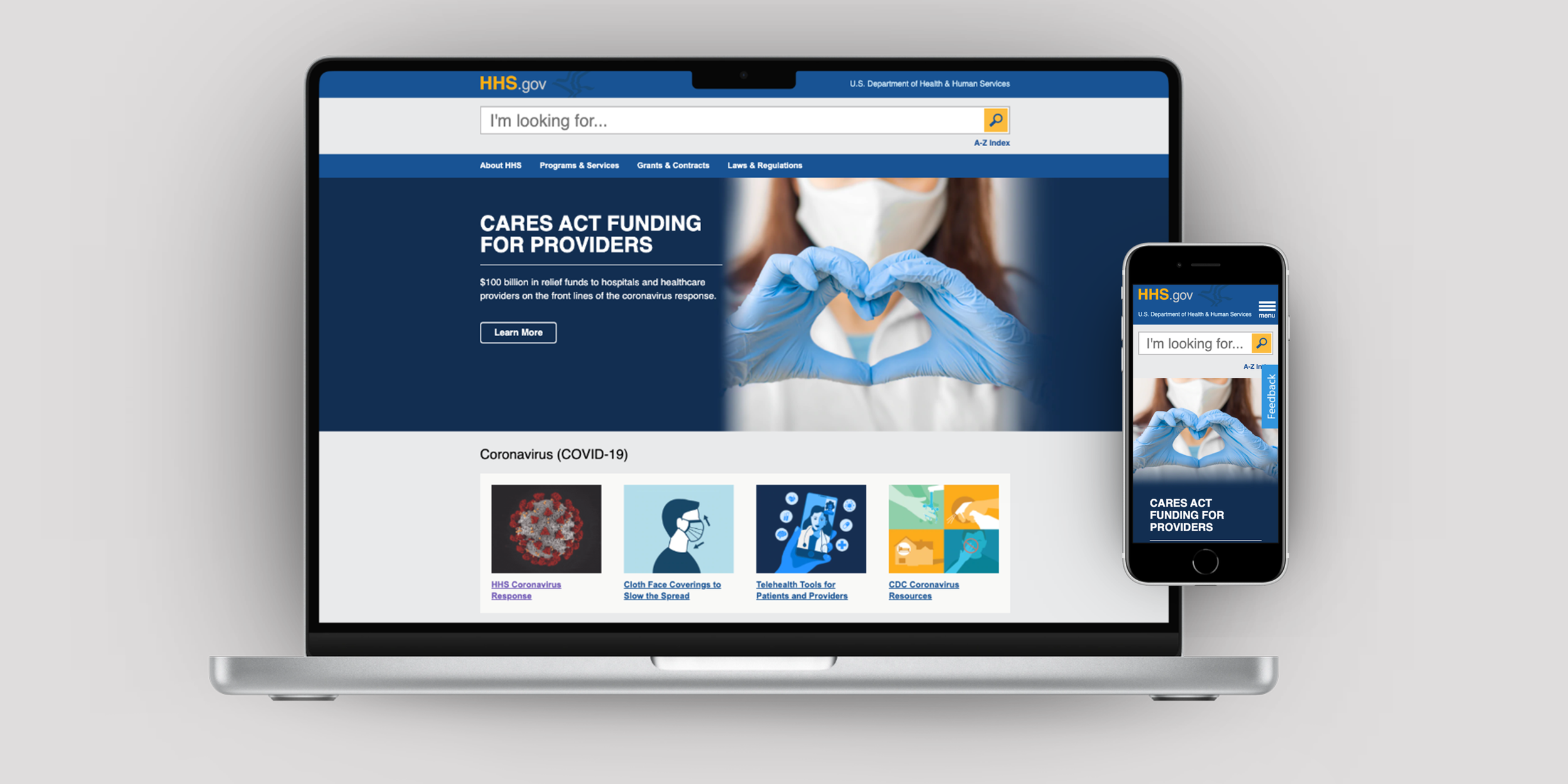
HHS.gov Homepage Redesign
Desktop and mobile homepage redesign
Refreshed homepage to show incremental improvement before larger site migration.
Goal was to iterate quickly and increase brand awareness that HHS is an umbrella organization with many more recognizable agencies within it.